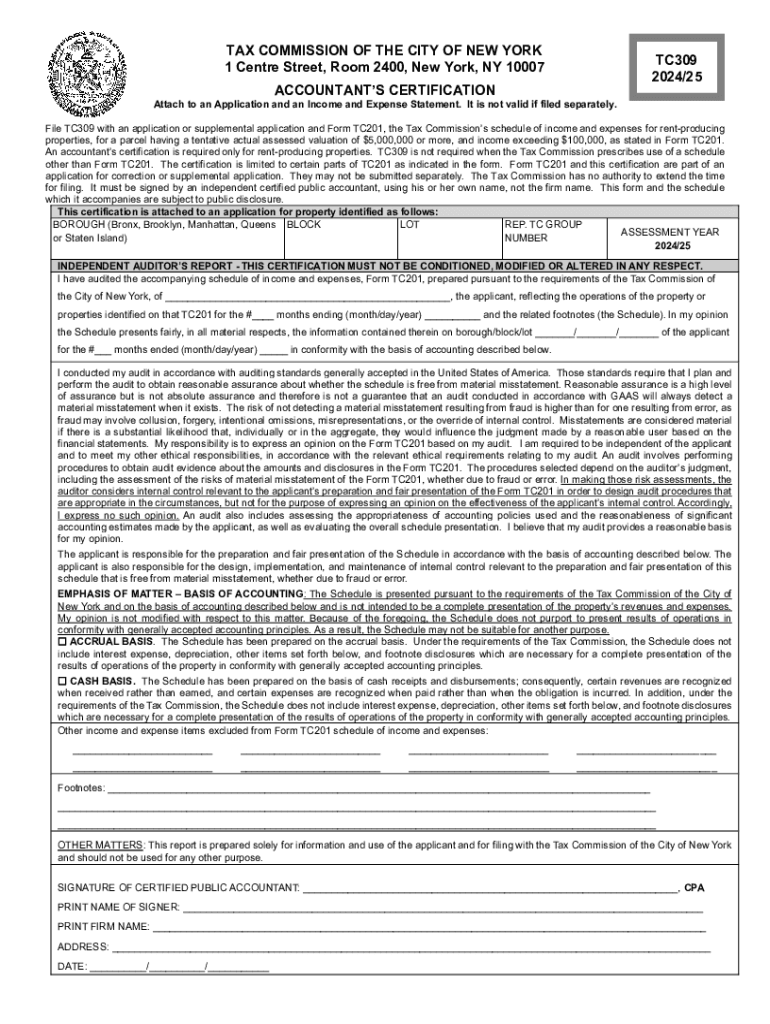
Office Of Real Property Tax Services Overview Tax Ny Gov Form
Use a Office Of Real Property Tax Services Overview Tax NY gov template to make your document workflow more streamlined.
What this New York tax form does
The Office Of Real Property Tax Services Overview Tax Ny Gov Form is a New York property-tax record used to organize information about real property tax matters. Because the supplied form name does not identify a form number, filing year, issuing office, required fields, or statutory deadline, users should confirm those details against the current New York Office of Real Property Tax Services instructions. In signNow, upload the official file, review detected fillable fields, assign signer roles, send it, capture signatures, and retain the completed document with its audit trail.
Who benefits from this tax form workflow
The workflow fits property owners, tax professionals, public offices, and real-estate organizations handling New York property-tax records.
Solo property-tax consultants can prepare owner or parcel information, request signatures remotely, and preserve the completed record without coordinating paper exchanges across New York jurisdictions. Municipal assessment offices can route property-tax review documents among authorized staff, preserve signNow audit trails, and separate preparation, review, and approval responsibilities. Enterprise real-estate organizations can standardize recurring property-tax workflows, connect signNow with records systems, and manage delegated signing while preserving access controls and completed-document evidence.
These tasks are executed by both individual contributors and centralized administrators depending on organizational policy and required controls.
How signNow handles this form
The signNow workflow turns the official New York form into a controlled signing sequence without changing its underlying instructions.
Upload form: Upload the official form file Check fields: Review detected and missing fields Send form: Assign signers and send securely Archive record: Complete signatures and store evidence
What the signNow audit trail records
For this New York property-tax document, the audit trail connects signer actions with the completed file and provides a reviewable record of execution.
Authenticate signer:
Capture timestamp:
Hash document:
Seal record:
Export evidence:
Retrieve archive:
 Best ROI. Our customers achieve an average 7x ROI within the first six months.
 Scales with your use cases. From SMBs to mid-market, airSlate SignNow delivers results for businesses of all sizes.
 Intuitive UI and API. Sign and send documents from your apps in minutes.
Recommended setup for this tax form
Use controlled signer access, a reproducible audit record, and retention rules confirmed for the responsible New York tax office.
| Setting | Recommendation |
|---|---|
| Authentication method | Email link with SMS OTP |
| Signature type | Intent-based electronic signature |
| Audit trail | Export certificate with completed form |
| Document retention | Retain under New York records policy |
| Encryption and provisioning | AES-256 storage with administrator-controlled access |
Best practices for completing this form
Accuracy matters because this form concerns New York real-property tax information and may require supporting records or local review.
Confirm the official form version
Verify property information before signing
Assign signer fields carefully
Preserve the record and audit trail
Challenges when preparing this form
The form title does not identify a revision year, so an outdated Office Of Real Property Tax Services document could be completed before its acceptance status is checked. Property addresses, parcel identifiers, ownership names, and tax details may conflict across records, creating avoidable review delays or requiring a corrected submission. A missing signer, unassigned field, or incorrect routing order can leave the completed New York tax record incomplete despite successful electronic delivery. Electronic completion does not establish filing acceptance; the responsible New York office may impose separate delivery, notarization, or supporting-document requirements.
New York exclusions and filing risks
Notary acknowledgment
Real-estate deeds
Wills and codicils
Court orders
Family law
Retention periods for related records
The form name alone does not establish a single retention period; apply the rule governing the specific record and jurisdiction.
Three years from filing
Six years for understatement
Indefinite for fraud
State schedule when applicable
Longer during legal hold
Authentication and certificates for this form
PKI certificates:
X.509 certificates:
Two-factor authentication:
SMS OTP:
ID verification:
Signing evidence:
Platform requirements for this workflow
Complete the Office Of Real Property Tax Services Overview Tax Ny Gov Form in signNow through Chrome or Edge on Windows, or Safari or Chrome on macOS. signNow also provides mobile apps for iOS and Android, allowing authorized users to review and sign from supported mobile devices.
Windows browsers Chrome and Edge browsers macOS browsers Safari and Chrome browsers iOS and Android signNow mobile apps
Organizations handling New York property-tax records should manage devices, user access, and exported files through their own security policies. Enterprise deployments can evaluate signNow API access, SSO provisioning, and integrations with systems such as Microsoft 365, Salesforce, NetSuite, Google Drive, Box, or Egnyte when those connections match the organization’s records process.
Legal standing and evidentiary value
An electronically completed Office Of Real Property Tax Services Overview Tax Ny Gov Form can support business records when the signer demonstrates intent, consents to electronic records, and the record remains reproducible with attribution and an audit trail under ESIGN and New York ESRA. Wills, codicils, testamentary trusts, court orders, and family law decrees remain excluded.

Troubleshooting this New York tax form
Use the official New York instructions for filing decisions, and use signNow controls to diagnose field, signer, authentication, and recordkeeping issues.
The supplied title does not include a form number or revision year. Before uploading, compare the file with the current Office Of Real Property Tax Services instructions. signNow can send the document, but it cannot determine whether an outdated government form is acceptable.
Open the uploaded PDF in signNow and inspect auto-detected fields before sending. Add missing text, date, checkbox, or signature fields manually, then use the preview to confirm that each field is assigned to the correct signer and appears in the intended location.
Use signNow’s signer routing and assigned fields to separate owner, preparer, assessor, or representative actions when the official instructions require them. If the document needs a notary acknowledgment, verify New York requirements separately before treating an electronic signature as sufficient.
Business includes legally binding eSignatures, templates, audit trails, and mobile apps at $8/user/month with annual billing. Business Premium adds bulk send at $15/user/month. All paid plans include 100 signature invites per user annually, with overage fees.
ESIGN and New York’s Electronic Signatures and Records Act support electronic records in many transactions, but they do not override form-specific filing instructions. Confirm whether the responsible New York office accepts electronic signatures, electronic delivery, or only a printed submission.
Download the completed form and its signNow audit trail after all required signatures finish. Store both under the organization’s records policy, preserve the original file, and document any later correction rather than silently replacing the signed record.
Key performance indicators that demonstrate SignNow's proven track record.
BE READY TO GET MORE
Get this form now!

If you believe that this page should be taken down, please follow our DMCA take-down process.