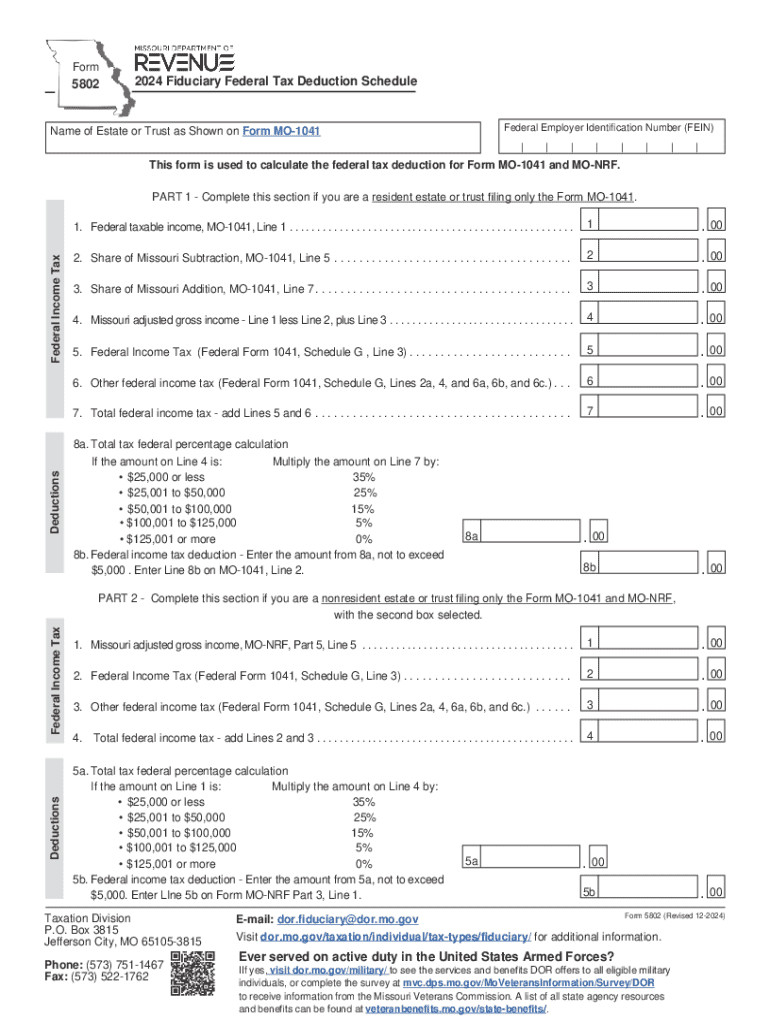
Form It 205 A Fiduciary Allocation Tax Year
Use a Form IT 205 A Fiduciary Allocation Tax Year template to make your document workflow more streamlined.
What Form It 205 A covers
Form It 205 A Fiduciary Allocation Tax Year is a fiduciary allocation document identified by its form name and tax-year designation. The supplied materials do not identify an issuing agency, filing deadline, or form-specific field schedule, so those details should be confirmed against the authoritative source before completion. In signNow, a sender uploads the approved document, reviews detected or added fields, assigns fiduciary and signer roles, sends it for execution, and stores the signed PDF with an Audit Trail. Federal ESIGN and applicable state law address electronic-signature validity, subject to statutory exceptions.
Who uses this fiduciary form
Fiduciaries
Fiduciaries and tax professionals can use signNow to route the Form It 205 A Fiduciary Allocation Tax Year to the parties identified in the document, collect signatures, and preserve the completed allocation with its audit trail.
Tax and legal teams
Accounting and legal teams can review the tax year, allocation entries, signer order, and supporting records before sending the completed form for execution and controlled storage.
Features for completing Form It 205 A
signNow organizes the form-specific workflow from upload and field review through signer routing, completion evidence, and controlled storage.
Document upload
Upload the Form It 205 A document and review its page structure before assigning recipients or editing fields.
Field preparation
Use detected or placed fields for fiduciary names, tax-year information, allocation entries, dates, and signatures.
Signer routing
Route the form to each required signer in the intended order, reducing manual follow-up and misplaced copies.
Audit trail
Capture timestamps, recipient actions, and completion events in a signNow Audit Trail linked to the signed record.
Reusable template
Use templates only after confirming that allocation fields and tax-year instructions match the approved source document.
Controlled storage
Store the signed PDF and completion evidence together so later reviewers can connect the allocation to its execution history.
How to complete Form It 205 A
Use this sequence to prepare the fiduciary allocation document, obtain the required signatures, and preserve completion evidence in signNow.
Upload document:
Upload the approved PDF. Check fields:
Review detected fields and add missing fiduciary, tax-year, allocation, and signature fields. Assign roles:
Assign each field to the correct signer or recipient. Send form:
Send the completed routing package for signature. Archive records:
Download the signed form and audit trail.
 Best ROI. Our customers achieve an average 7x ROI within the first six months.
 Scales with your use cases. From SMBs to mid-market, airSlate SignNow delivers results for businesses of all sizes.
 Intuitive UI and API. Sign and send documents from your apps in minutes.
Recommended setup for this form
Use a controlled signing workflow that preserves signer identity, field history, completion evidence, and the retention rule for the underlying fiduciary record.
| Setting | Recommendation |
|---|---|
| Authentication method | Email link with SMS OTP |
| Signature type | Electronic signature with intent |
| Audit trail | Enabled for every completed form |
| Document retention | Apply the governing record rule |
| Encryption | TLS 1.2/1.3 and AES-256 |



Inside the Form It 205 A audit trail
The audit trail records who interacted with the fiduciary allocation document, when actions occurred, and how completion evidence can be retrieved.
Authenticate signer:
Capture timestamp:
Hash document:
Seal document:
Track activity:
Export evidence:
Authentication and certificate controls
Signer authentication:
Digital certificates:
Certificate standard:
Additional verification:
Identity checks:
Audit evidence:
Platform requirements for Form It 205 A
Form It 205 A Fiduciary Allocation Tax Year can be prepared through signNow using Chrome, Firefox, Safari, or Edge on Windows and macOS, with mobile access through iOS and Android applications.
Browser support Chrome, Firefox, Safari, and Edge on Windows and macOS Mobile devices iOS and Android phones support mobile document review Connection security TLS 1.2 or TLS 1.3 protects browser connections
Organizations should configure managed Windows, macOS, iOS, or Android devices according to internal security policy. Confirm browser updates, TLS 1.2 or TLS 1.3 support, identity controls, and storage permissions before sending this fiduciary allocation document for signature or archival.
Challenges when completing this form
A fiduciary allocation amount entered under the wrong tax year can make the completed record inconsistent with the underlying accounting file. Missing signer roles or an incomplete fiduciary designation can leave the document difficult to attribute during later review. Sending an unverified template may reproduce outdated allocation instructions across multiple signed copies. Storing the signed form without its audit trail can weaken evidence of intent, attribution, and record integrity.
Record-keeping practices for this form
Accurate field review and controlled archival help preserve the evidentiary value of a completed fiduciary allocation record.
Export the signed record set
Map retention to the record
Validate allocation fields carefully
Protect the completed version
Processing stages for this form
The available materials do not specify a Form It 205 A processing deadline, so each stage should be tracked against the responsible parties’ policy.
Document preparation
Delivery to signers
Signer turnaround
Completion and archival
Questions about Form It 205 A
These answers address the form’s identifiable workflow, electronic-signature limits, plan capabilities, and record-handling requirements.
Business includes legally binding eSignatures, templates, mobile apps, and Audit Trails at $8/user/month when billed annually. The 7-day free trial requires no credit card. Confirm the form’s legal requirements before sending.
The source materials do not establish a Form It 205 A-specific deadline. Confirm the tax year, issuing authority, fiduciary agreement, and applicable IRS or state instructions before relying on a submission date.
Use signNow field assignment to identify the fiduciary and each signer, then verify recipient order before sending. A missing role can prevent the intended person from completing the allocation record.
Electronic-signature validity depends on intent, consent, attribution, and record retention under ESIGN and applicable state law. Wills, codicils, certain court filings, and other statutory exceptions require separate legal handling.
Business Premium adds bulk send at $15/user/month annually, while Enterprise adds advanced signer authentication at $30/user/month annually. Choose based on volume and authentication requirements, not the form name alone.
Export the completed PDF and Audit Trail from signNow, then store them together under the retention policy governing the fiduciary or tax record. Do not replace the signed copy with an edited version.
Key performance indicators that demonstrate SignNow's proven track record.
BE READY TO GET MORE
Get this form now!

If you believe that this page should be taken down, please follow our DMCA take-down process.