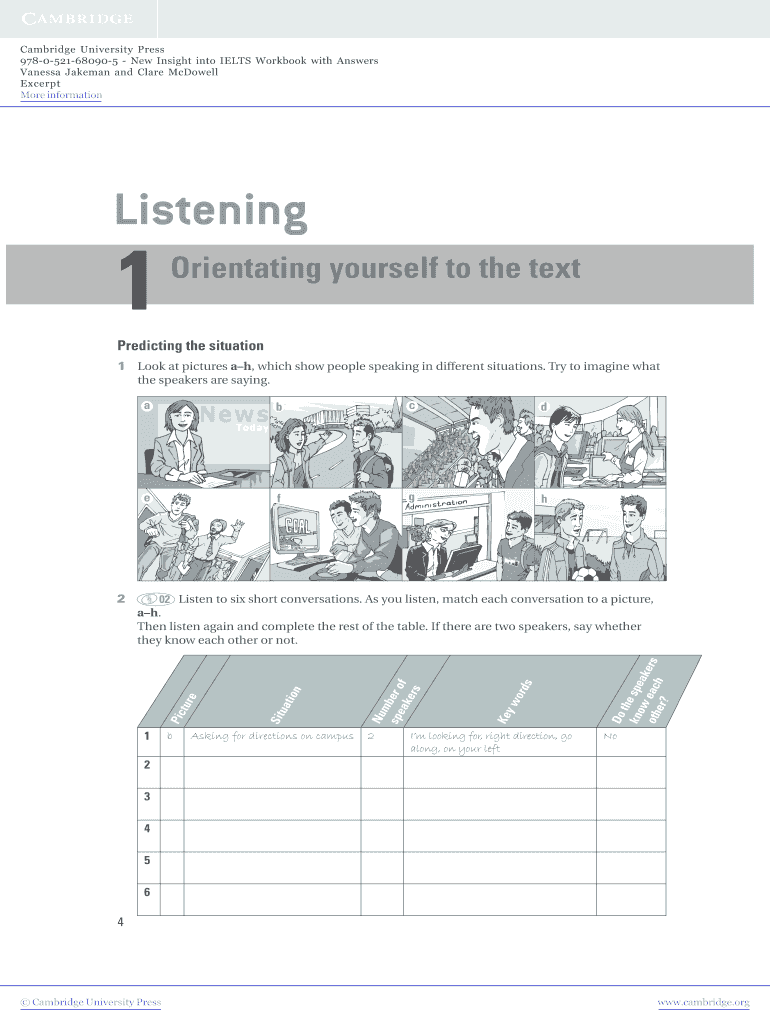
New Insight Into Ielts Workbook With Answers Form
Use a New Insight Into Ielts Workbook With Answers template to make your document workflow more streamlined.
What this IELTS workbook form does
New Insight Into Ielts Workbook With Answers Form is a digital workbook template for recording IELTS practice answers and associated completion details. Upload the source workbook to signNow, review its pages, and add fillable fields where learners or reviewers must enter responses. The sender can then deliver the prepared document by email or signing link, monitor completion, and retain the finished file. Because the supplied name does not identify a government filing, tax return, or issuing agency, field instructions and educational requirements should be confirmed against the workbook publisher’s materials.
Who benefits from digital IELTS workbooks
IELTS preparation centers can upload one approved workbook template, assign answer fields, and send individualized copies to learners. Staff can review completion status and retain signed records without rebuilding the workbook for every study group or intake cycle. Independent English tutors can use mobile signing and reusable templates to distribute assigned workbook sections, collect learner acknowledgments, and maintain a consistent record of completed exercises. A named recipient workflow helps connect each finished workbook with the intended student.
Key features for IELTS workbook handling
signNow connects the workbook’s existing pages with fillable fields, delivery controls, mobile access, and completion records for a more consistent digital process.
Workbook upload
Upload the IELTS workbook and prepare its pages without recreating the source document manually. This preserves the original question sequence while allowing answer, date, and signature fields to be added where required.
Field detection
Auto-detected fields help identify areas requiring learner responses or reviewer information. Check every detected field against the original workbook before sending it for completion.
Flexible delivery
Email delivery and signing links provide controlled ways to distribute the workbook. Send it to a named participant when identity matters, or use a link for an approved group workflow.
Mobile access
Mobile apps let participants review and complete the workbook from supported iOS and Android devices. This is useful when study or review occurs away from a desktop.
Audit trail
An audit trail records completion activity associated with the workbook. Retaining the final file and related activity record helps document who completed the assigned material.
Reusable template
Templates preserve the prepared workbook structure for repeated study or review cycles. Updating the source template reduces inconsistent field placement across later copies.
How the workbook workflow works
New Insight Into Ielts Workbook With Answers Form moves from uploaded workbook to reviewed, completed, and signed record through four clear stages.
Upload workbook: Upload the workbook file to signNow and confirm its page order. Check fields: Review detected fields and add missing answer, date, or signature fields. Send document: Send the completed workbook to the intended reviewer or signer. Store record: Collect the signed copy and retain its completion record.
 Best ROI. Our customers achieve an average 7x ROI within the first six months.
 Scales with your use cases. From SMBs to mid-market, airSlate SignNow delivers results for businesses of all sizes.
 Intuitive UI and API. Sign and send documents from your apps in minutes.
Ways to send and complete the workbook
- Use the signNow web app to upload the IELTS workbook, review detected fields, and prepare a controlled document for an individual participant or reviewer.
- Use the mobile app when learners or reviewers need to inspect, complete, and sign the workbook from supported iOS or Android devices.
- Use kiosk mode when a supervised location needs multiple participants to complete the same prepared workbook on a shared device.
- Use a shareable signing link when an approved group needs access without individually addressing every workbook recipient.
Recommended workbook workflow setup
Use a controlled preparation, signing, and storage process that matches the workbook publisher’s requirements and the organization’s access policy.
| Setting | Recommendation |
|---|---|
| Authentication method | Email link with SMS OTP |
| Signature type | Typed or drawn e-signature |
| Audit trail | Retain completion record with workbook |
| Document retention | Apply the publisher’s retention policy |
| Encryption | TLS 1.2/1.3 and AES-256 |
Platform requirements for workbook completion
New Insight Into Ielts Workbook With Answers Form can be prepared in supported Chrome, Firefox, Safari, or Edge browsers on Windows and macOS. signNow mobile apps support review and signing on iOS and Android, while encrypted connections protect data during transmission.
Browsers Chrome, Firefox, Safari, and Edge browsers support workbook preparation. Desktop systems Windows and macOS support desktop workbook completion. Mobile systems iOS and Android support mobile review and signing.
Organizations should manage access through approved devices, account permissions, and documented sharing rules. Teams using API access, SSO provisioning, or regulated records should confirm the required signNow plan, authentication controls, and retention process before distributing completed workbooks.
Security controls for workbook records
Data in transit:
Data at rest:
Security reporting:
Information security:
Privacy controls:
Protected health data:



Workbook completion challenges
Unmarked answer spaces can cause reviewers to miss required responses before the workbook is sent. Different page layouts may lead to incorrect field placement after the workbook is uploaded. Unsigned completion pages can make it difficult to confirm who reviewed the workbook. Uncontrolled copies may create conflicting versions of the completed workbook.
Key performance indicators that demonstrate SignNow's proven track record.
IELTS workbook troubleshooting questions
These answers address field preparation, delivery, mobile completion, plan selection, and the legal limits of treating an educational workbook as an official record.
Upload the original workbook as a PDF or supported document, then inspect every page in the signNow editor. If fields are misplaced, move or add them manually before sending. Auto-detection assists preparation but does not replace page-by-page review of the IELTS content.
The Business plan costs $8 per user per month with annual billing and includes templates, mobile apps, and audit trails. Business Premium costs $15 per user per month annually and adds bulk send, kiosk mode, request payments, and quick invite links.
Yes. signNow lists a 7-day free trial without a credit card. Use the trial to upload the workbook, inspect field placement, test delivery, and confirm that the finished document can be retrieved before adopting a paid workflow.
A signing link can distribute the workbook without entering individual email addresses. Use a named recipient instead when the participant’s identity must be associated with the completed IELTS workbook and its audit trail.
signNow supports mobile apps for iOS and Android, allowing workbook review and signing away from a desktop. Confirm that the document displays correctly on the selected device before distributing a mobile-first version to learners or reviewers.
Retain the completed workbook together with its signNow audit trail and access controls. ESIGN and UETA provide a legal framework for electronic records when intent, attribution, consent, and reproducibility are established, but this educational workbook is not a government filing.
BE READY TO GET MORE
Get this form now!

If you believe that this page should be taken down, please follow our DMCA take-down process.