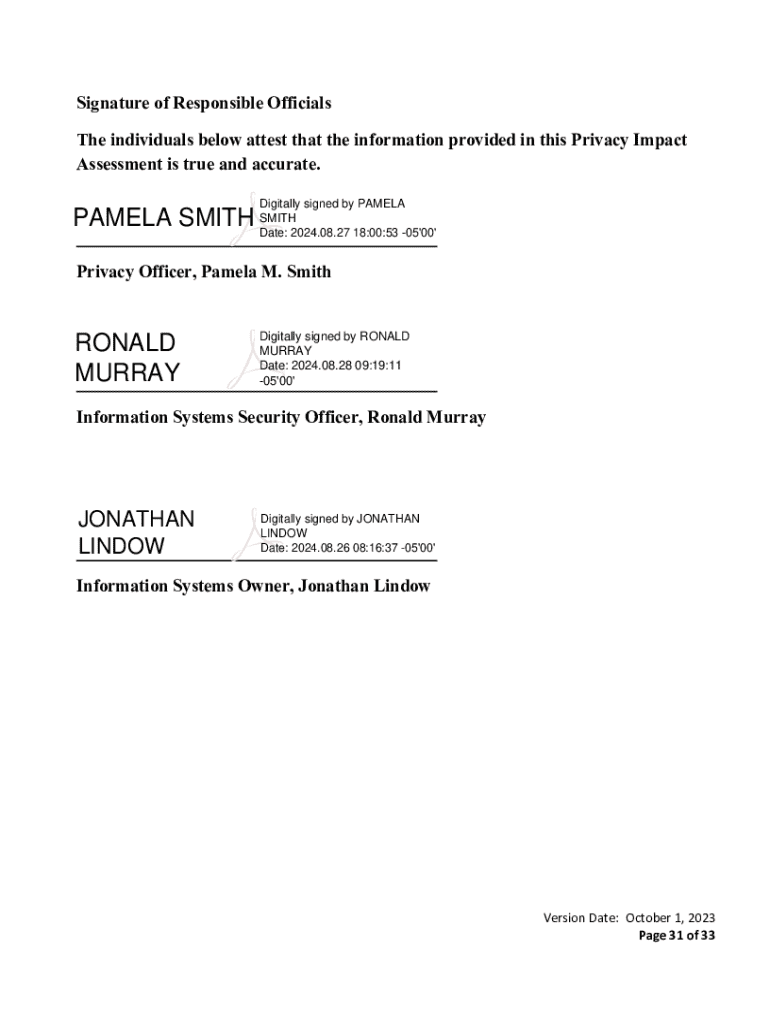
Healthcare Claims Processing System Hcps Pia Form
Use a Healthcare Claims Processing System HCPS PIA template to make your document workflow more streamlined.
What the claims processing form does
The Healthcare Claims Processing System Hcps Pia Form is a digital record for collecting and approving information used in a healthcare claims workflow. Because no issuing agency, field list, or filing deadline is identified for this normalized form name, users should confirm the source template and payer requirements before completion. In signNow, a sender uploads the form, reviews detected fields, assigns patient or provider roles, sends it for signature, and stores the completed document with its audit trail. HIPAA workflows require an appropriate business associate agreement when protected health information is involved.
Who uses this claims form
Healthcare providers
Healthcare providers and claims departments use the form to collect patient, provider, authorization, and claim information for review. signNow assigns fields to responsible parties, records completion events, and preserves the signed document for the organization’s approved retention period.
Claims administrators
Third-party administrators and payer-facing operations use controlled templates for recurring claims documentation. Role-based routing separates data entry, clinical review, authorization, and final approval while limiting access to the information each participant needs.
Organizations using this claims form
The form serves healthcare operations with different staffing models, from an individual practice to a multi-site claims department.
Solo practitioners can collect patient or provider signatures from a desktop or mobile device while keeping the completed claims form and audit evidence together in one workflow. Specialty clinics can route the Healthcare Claims Processing System Hcps Pia Form among intake, clinical review, authorization, and billing teams using assigned fields and controlled access to PHI. Enterprise healthcare networks can standardize templates, connect storage or operational systems, and apply HIPAA controls with a business associate agreement for protected health information workflows.
These tasks are executed by both individual contributors and centralized administrators depending on organizational policy and required controls.
Features for claims form processing
signNow combines field preparation, assigned signing, audit evidence, mobile access, and protected storage for Healthcare Claims Processing System Hcps Pia Form workflows.
Field detection
Upload the Healthcare Claims Processing System Hcps Pia Form and review detected fields before routing it to patients, providers, claims staff, or authorized reviewers.
Role routing
Assign patient, provider, authorization, and approval fields to named recipients so each person completes only the information relevant to their role.
Audit evidence
Capture timestamps, signer actions, and completion evidence with the document, supporting later review of how the claims form was executed.
Mobile signing
Use signNow’s mobile apps to review or sign healthcare claims paperwork when staff work away from a fixed workstation or clinic office.
PHI safeguards
Protect PHI workflows with encryption controls and HIPAA compliance subject to an executed business associate agreement with signNow.
Document storage
Connect claims-related documents with Google Drive, Box, Egnyte, or Microsoft 365 for controlled storage and retrieval after completion.
 Best ROI. Our customers achieve an average 7x ROI within the first six months.
 Scales with your use cases. From SMBs to mid-market, airSlate SignNow delivers results for businesses of all sizes.
 Intuitive UI and API. Sign and send documents from your apps in minutes.
How claims form signing works
The signNow workflow moves this claims form from upload through assigned completion and documented storage.
Upload document: Upload the claims form to signNow. Prepare fields: Review detected fields and assign recipients. Route signatures: Send the assigned form for completion. Preserve record: Store the signed form and audit trail.
Complete the claims form in signNow
Use this sequence to prepare, route, sign, and preserve the Healthcare Claims Processing System Hcps Pia Form.
Upload form:
Upload the Healthcare Claims Processing System Hcps Pia Form to signNow. Check fields:
Review detected fields and add missing patient, provider, or claim fields. Assign roles:
Assign each field to the responsible signer or reviewer. Send securely:
Send the form through email or a controlled signing link. Store evidence:
Review the signed copy and completion certificate.
Recommended setup for claims processing
Configure the claims workflow around signer identity, protected health information, audit evidence, and controlled team access.
| Setting | Recommendation |
|---|---|
| Authentication method | Two-factor authentication for staff and signers |
| Signature type | Electronic signature with recorded signer intent |
| Audit trail | Retain timestamps, IP addresses, and action history |
| Document retention | Six years for PHI records under 45 CFR 164.530(j) |
| Encryption | TLS 1.2 or 1.3 in transit and AES-256 at rest |
Security controls for claims data
Data in transit:
Data at rest:
Health information:
Control assurance:
Security management:
Regulated records:
How the claims audit trail works
The signNow audit trail records identity, timing, document events, and completion evidence for each Healthcare Claims Processing System Hcps Pia Form.
Signer authentication:
Timestamp capture:
Document hashing:
Tamper-evident sealing:
Action history:
Audit export:
Retention periods for claims records
Choose the record class that actually applies to the Healthcare Claims Processing System Hcps Pia Form and document the controlling authority before setting automated deletion.
Six years for PHI records
Three years for tax records
Six years for major understatement
Later of three years or one
Three years for payroll records
Best practices for claims records
Accurate source validation, least-privilege routing, complete evidence export, and documented retention reduce errors when processing this claims form.
Validate the source claims template
Assign each claims role carefully
Preserve the audit record
Archive signed claims documents securely



Healthcare claims form troubleshooting
Resolve field, access, authentication, enforceability, and retention questions before distributing a completed claims-processing record.
Business includes legally binding eSignatures, templates, audit trails, and mobile apps. For PHI, signNow identifies HIPAA compliance as requiring a business associate agreement, so confirm the applicable plan and executed BAA before sending patient information.
signNow’s field detection can identify fillable areas after upload, but review every field against the Healthcare Claims Processing System Hcps Pia Form. Add missing claim, provider, patient, and authorization fields manually before assigning recipients.
Business Premium includes bulk send, which can help distribute the same claims-processing template to multiple recipients. Confirm that each copy contains only the intended patient information and apply role-specific access controls before sending.
Electronic signatures generally receive legal recognition under ESIGN and UETA when intent, consent, attribution, and record retention are established. Consumer-facing workflows also require the ESIGN disclosure and accessible electronic records under 15 U.S.C. §7001(c).
If a signer cannot open the link, verify the recipient address, resend the invitation, and test the document on a supported browser. SMS authentication may add identity assurance, but it does not replace review of the claims data.
Export the completed document and audit trail from signNow, then place both in the organization’s controlled records system. HIPAA-covered entities must retain required documentation for six years under 45 CFR §164.530(j).
Key performance indicators that demonstrate SignNow's proven track record.
BE READY TO GET MORE
Get this form now!

If you believe that this page should be taken down, please follow our DMCA take-down process.