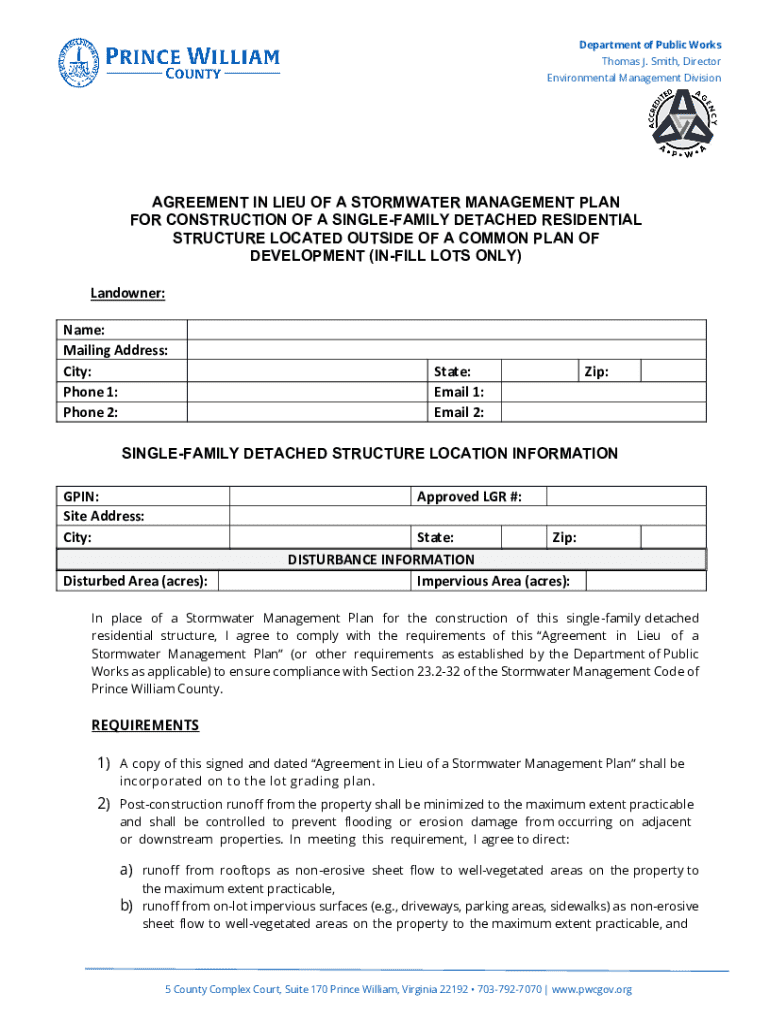
Npdes Permit Fact Sheet Guam Department Of Public Form
Use a NPDES Permit Fact Sheet Guam Department Of Public template to make your document workflow more streamlined.
Npdes Permit Fact Sheet overview
The Npdes Permit Fact Sheet Guam Department Of Public Form is an environmental document used to organize information supporting an NPDES permitting matter involving Guam. In practical terms, the completed form brings project, discharge, and permit-related details together for review by the responsible authority. The exact fields and submission instructions depend on the issued version and applicable Guam requirements, so users should compare the form with current agency guidance before signing. signNow can convert the provided file into a fillable workflow, route it to designated signers, and preserve the completed record with an audit trail.
Who benefits from this form workflow
Npdes Permit Fact Sheet Guam Department Of Public Form workflows can serve individual consultants, engineering firms, and larger operators managing environmental documentation.
A solo environmental consultant can complete project-specific permit fact sheet information, obtain required signatures, and preserve the signed record without coordinating paper copies or separate email attachments. A Guam-based engineering firm can reuse controlled templates for recurring discharge projects, route documents to designated reviewers, and maintain an accessible completion record for project files. A larger utility or infrastructure operator can centralize templates, delegate sending, and connect completed documents with systems used by environmental, legal, and compliance teams.
These tasks are executed by both individual contributors and centralized administrators depending on organizational policy and required controls.
Who uses the Guam permit fact sheet
Environmental consultants
Environmental consultants and permit applicants use the form to organize project information, identify responsible signers, and circulate a controlled copy for review before retaining the executed record.
Infrastructure organizations
Engineering, utility, and infrastructure teams use it for project files where technical reviewers and authorized representatives must complete separate sections and preserve approval evidence.
Key features for this permit form
signNow provides a structured way to prepare, route, sign, and preserve the Npdes Permit Fact Sheet Guam Department Of Public Form without changing its substantive environmental content.
Document upload
Upload the existing Npdes Permit Fact Sheet Guam Department Of Public Form and create a reusable signNow document without rebuilding the source file from scratch.
Field mapping
Review detected fields, add missing inputs, and place signature or date fields where each participant must act.
Recipient routing
Route technical sections and signature requests to the designated recipients in a controlled sequence.
Flexible sending
Give signers access through email invitations or supported signing links while preserving the document’s intended review process.
Audit trail
Capture timestamps, signer actions, and document history in an audit trail linked to the completed form.
Record retention
Download the signed form and completion evidence for the organization’s environmental project records.
How this form workflow works
The signNow workflow turns the Npdes Permit Fact Sheet Guam Department Of Public Form into a controlled sequence from upload through signed-record retention.
Upload form: Upload the Guam permit fact sheet file. Map fields: Review detected fields and add missing fields. Assign roles: Assign each field to its responsible recipient. Complete record: Send, sign, and retain the completed record.
 Best ROI. Our customers achieve an average 7x ROI within the first six months.
 Scales with your use cases. From SMBs to mid-market, airSlate SignNow delivers results for businesses of all sizes.
 Intuitive UI and API. Sign and send documents from your apps in minutes.
Steps to complete the Guam form
Prepare the Npdes Permit Fact Sheet Guam Department Of Public Form in signNow by checking its fields, assigning recipients, and preserving the completed record.
Upload form:
Upload the Npdes Permit Fact Sheet file. Review fields:
Check auto-detected fields against every printed line. Assign recipients:
Assign technical and signature fields to recipients. Send document:
Send the prepared form for review and signing. Store records:
Download the signed form and audit trail.
How the audit trail records this form
signNow records identity, timing, document integrity, and retrieval events as Npdes Permit Fact Sheet Guam Department Of Public Form moves through signing.
Authenticate signer:
Capture timestamp:
Hash document:
Seal record:
Link events:
Export trail:
Platform requirements for this form
The Npdes Permit Fact Sheet Guam Department Of Public Form can be prepared through a supported browser on Windows or macOS, with mobile access available through signNow applications for iOS and Android. Use an up-to-date browser and a stable connection when uploading, reviewing, and sending the form.
Browsers Chrome, Firefox, Safari, and Edge Desktop systems Windows and macOS desktop access Mobile access iOS and Android mobile apps
Organizations managing Guam permit documentation should use managed accounts, controlled recipient permissions, and a defined storage process for completed forms. Teams connecting signNow to other systems should confirm API, SSO, and retention requirements before production use, particularly when project records contain sensitive facility or contact information.



Best practices for completing the form
Accurate field mapping and controlled record handling reduce avoidable errors when preparing the Npdes Permit Fact Sheet Guam Department Of Public Form.
Confirm the current form version
Review detected fields carefully
Assign fields to responsible people
Preserve the complete record
Privacy and disclosure pitfalls
Personal contact information or project details may be exposed when the completed Npdes Permit Fact Sheet Guam Department Of Public Form is emailed without controlled recipient access. A signer may complete a signature field without reviewing whether the form’s project information and supporting statements are accurate. Unassigned or incorrectly assigned fields can leave technical sections incomplete while allowing the document to appear ready for signature. Sharing a completed permit form with unauthorized recipients can disclose environmental, operational, or facility information beyond the intended review group.
Security for the signed form
Data encryption:
Security reporting:
Information security:
Electronic signatures:
Signer authentication:
Document evidence:
Legal standing of the signed record
For a Guam business transaction, an electronic signature may carry legal effect when the signer intends to sign, consents to electronic records, can be attributed to the record, and the record can be retained and reproduced under ESIGN, 15 U.S.C. ch. 96, and applicable territorial law. These rules do not replace agency-specific filing instructions or notarization requirements.

Troubleshooting the Guam form workflow
These answers address field mapping, signer access, plan limits, legal effect, and record handling for the Npdes Permit Fact Sheet Guam Department Of Public Form.
Business includes legally binding eSignatures, audit trails, templates, mobile apps, ISO 27001, SOC 2, and GDPR features. Review the uploaded Npdes Permit Fact Sheet Guam Department Of Public Form, confirm field assignments, and resend only after correcting the document.
Business Premium includes bulk send, kiosk mode, request payments, and quick invite links. For one Guam permit fact sheet, manually assign recipients and fields; bulk send is intended for repeated documents with consistent field structure.
signNow supports ESIGN and UETA compliance, but those frameworks do not determine Guam agency filing requirements. Confirm whether the responsible authority requires a particular signature, certification, notarization, or submission channel before sending the form.
Use signer authentication appropriate to the document and recipient risk. Enterprise adds advanced signer authentication, while signNow also supports two-factor authentication. Capture consent and preserve the audit trail for the completed Npdes Permit Fact Sheet record.
Business is listed at $8 per user per month with annual billing, and Business Premium at $15 per user per month annually. Paid plans include unlimited users, but subscription plans include 100 signature invites per user per year before overage fees.
Download the completed document and its audit trail after all required parties finish. Store both with the project record, then apply the retention period required by the responsible Guam authority or organization policy; no universal NPDES period is established here.
Key performance indicators that demonstrate SignNow's proven track record.
BE READY TO GET MORE
Get this form now!

If you believe that this page should be taken down, please follow our DMCA take-down process.