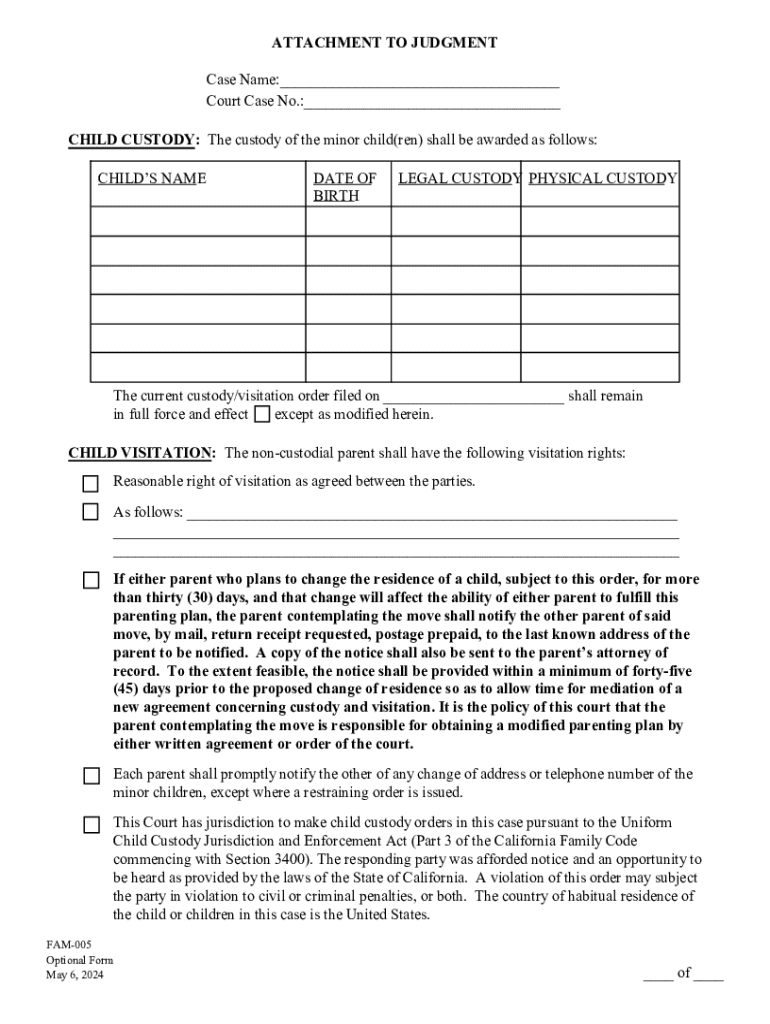
State Of Michigan In The 13TH Circuit Court Form
Use a STATE OF MICHIGAN IN THE 13TH CIRCUIT COURT template to make your document workflow more streamlined.
What this Michigan court form does
The State Of Michigan In The 13TH Circuit Court Form is a court document associated with Michigan’s 13th Circuit Court, but the supplied form name does not identify its case type, filing purpose, issuing office, required fields, or signature rules. Use the official instructions and clerk guidance to determine who may sign, whether notarization or in-person filing is required, and where to submit it. signNow can help prepare the uploaded document, detect fillable fields, route signature requests, and preserve the completed file with an audit trail when electronic signing is legally permitted.
Legal standing and admissibility
An electronic version may support a Michigan court workflow when the court accepts electronic records and the signer’s intent, attribution, consent, and record integrity can be shown. ESIGN and UETA generally recognize qualifying electronic signatures, but they do not override court-specific filing rules or exclusions for wills, family-law decrees, and court orders. Confirm acceptance with the 13th Circuit Court clerk before relying on electronic execution.

How the court form workflow works
Use signNow to prepare the named Michigan court form, route assigned fields, and retain evidence of the signing event.
Upload form: Upload the court form PDF to signNow. Review fields: Auto-detect fillable fields and review placement. Assign signers: Assign each required field to a signer. Complete record: Send, sign, and preserve the completed record.
Quick steps for this court form
Prepare the exact court-issued document first, then use signNow only for permitted electronic completion and recordkeeping steps.
Upload:
Upload the official PDF. Review:
Check detected fields carefully. Route:
Assign signers and recipients. Sign:
Complete permitted signatures. Store:
Download the audit-supported record.
 Best ROI. Our customers achieve an average 7x ROI within the first six months.
 Scales with your use cases. From SMBs to mid-market, airSlate SignNow delivers results for businesses of all sizes.
 Intuitive UI and API. Sign and send documents from your apps in minutes.
What the audit trail records
The audit trail records evidence surrounding this court-form signing event; it does not replace Michigan court filing instructions or clerk acceptance.
Signer authentication:
Timestamp capture:
Document hashing:
Tamper sealing:
Action history:
Audit export:
Recommended setup for this court form
Configure the workflow around court acceptance, signer attribution, audit evidence, and the retention policy governing the case record.
| Setting | Recommendation |
|---|---|
| Authentication method | Email verification with SMS 2FA |
| Signature type | Electronic signature where court-approved |
| Audit trail | Enabled for every signing event |
| Document retention | Follow court and case policy |
| Encryption | TLS 1.2/1.3 and AES-256 |
Security for the court record
Transport encryption:
Storage encryption:
Service assurance:
Security management:
Electronic signatures:
Signer protection:
Best practices for this court filing
Accuracy and court acceptance come first; signNow should preserve the approved document rather than change its legal requirements.
Verify every court-issued page before uploading
Confirm electronic acceptance with the clerk
Match fields to authorized signers
Preserve the signed record securely
Privacy and disclosure pitfalls
Uploading an unofficial or incomplete version can omit Michigan court instructions, captions, exhibits, or clerk-required signature pages. Sending the form before confirming electronic acceptance may produce a signed record the court will not accept for filing. Leaving personal identifiers visible to unnecessary recipients can expose protected case information beyond the intended audience. Assigning a signature field to the wrong party can weaken attribution and require the document to be corrected and re-signed.
Rules that may limit signing
Electronic filing refused
Required notarization omitted
Signature attribution disputed
Electronic signature unavailable
Processing stages for this court form
No official processing deadline was supplied for this form, so court instructions control each stage and filing deadline.
Document preparation
Delivery to signers
Signer turnaround
Completion and archival
Retention schedule for this court record
The form’s exact record category and court retention rule were not supplied; confirm the applicable Michigan court schedule before deletion.
Court record period unspecified
Case correspondence period unspecified
Audit evidence period unspecified
Legal hold period unspecified
Final retention period unspecified
Questions about this court form
These answers address preparation, signing evidence, plan capabilities, and the limits of electronic court-form workflows.
Upload the original court-issued PDF again, then review signNow’s detected fields manually. Scanned pages may require added text, date, or signature fields, and court-specific sections should not be removed.
The Business plan includes legally binding eSignatures, templates, audit trails, mobile apps, ISO 27001, SOC 2, and GDPR support. Confirm that the selected plan meets the organization’s routing and authentication needs.
Business Premium includes bulk send, but this court form should not be bulk-sent unless every recipient, case, and document version is authorized. Individual routing may be safer for case-specific filings.
signNow supports ESIGN and UETA compliance, but platform compliance does not establish that Michigan’s 13th Circuit Court accepts this document electronically. Ask the clerk about the exact form and filing channel.
Use signNow’s signer authentication options, including two-factor authentication where configured, and verify the recipient before sending. The audit trail records signing evidence but cannot correct an incorrectly assigned signer.
The completed document and audit trail should be exported and retained under the applicable court, case, and organizational policy. No universal retention period is established here because the form’s precise record category is unspecified.
Key performance indicators that demonstrate SignNow's proven track record.
BE READY TO GET MORE
Get this form now!

If you believe that this page should be taken down, please follow our DMCA take-down process.