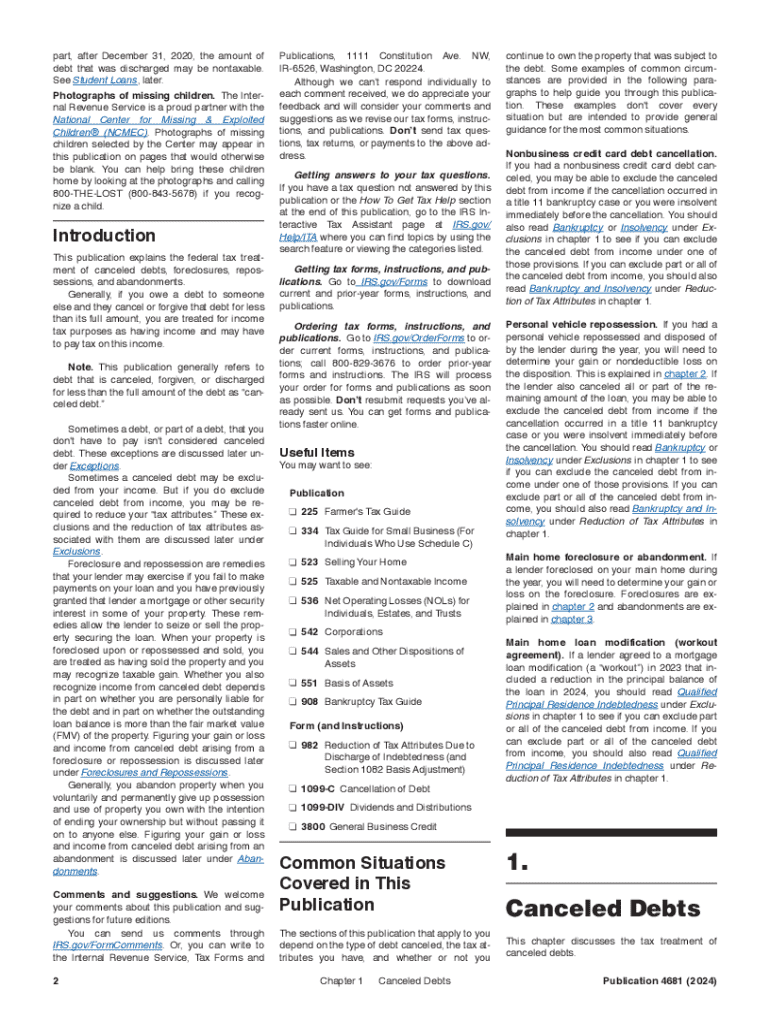
Insolvency Worksheet , , , Blank Form
Use a Insolvency Worksheet Fill Online, Printable, Fillable, Blank template to make your document workflow more streamlined.
What an insolvency worksheet does
An Insolvency Worksheet , , , Blank Form is a structured record for organizing financial information relevant to an insolvency review. It can capture assets, liabilities, income, expenses, creditor details, and supporting acknowledgments when those fields appear in the selected version. In signNow, upload the worksheet, review detected fillable fields, add missing signature or date fields, assign the appropriate signer, and send it electronically. The completed worksheet can be stored with its audit trail, while retention and filing duties depend on the transaction and applicable state or federal law.
Legal standing of the insolvency worksheet
An Insolvency Worksheet can be admissible when the signer intended to approve it, consented to electronic records when required, can be identified, and the record remains accurate and reproducible. ESIGN and applicable UETA rules support electronic business records, but wills, certain court orders, family-law decrees, and other statutory exclusions remain outside those protections.

Business types using insolvency worksheets
The worksheet is most useful when several parties must confirm financial information before an insolvency review or related business decision.
Solo bankruptcy attorneys can prepare a client’s assets, liabilities, income, and expenses in one signed worksheet before advising on insolvency options. Regional accounting firms can route insolvency worksheets to business owners, collect approvals, and preserve supporting financial information for a documented review. Enterprise finance departments can standardize worksheet templates, delegate sending, and control access when multiple subsidiaries provide insolvency-related information.
These tasks are executed by both individual contributors and centralized administrators depending on organizational policy and required controls.
How the insolvency worksheet workflow works
The signNow workflow moves the worksheet from upload through field preparation, signature routing, completion, and audit-trail storage.
Upload: Upload the Insolvency Worksheet PDF. Prepare: Review detected fields and add missing financial fields. Send: Assign signer roles and send the worksheet. Complete: Collect signatures and store the completed record.
 Best ROI. Our customers achieve an average 7x ROI within the first six months.
 Scales with your use cases. From SMBs to mid-market, airSlate SignNow delivers results for businesses of all sizes.
 Intuitive UI and API. Sign and send documents from your apps in minutes.
Steps to complete the insolvency worksheet
Use this sequence to prepare, route, sign, and preserve the Insolvency Worksheet , , , Blank Form in signNow.
Upload worksheet:
Upload the Insolvency Worksheet PDF to signNow. Check fields:
Review detected fields and add missing fields. Assign signers:
Assign the required signer or signers. Send document:
Send the prepared worksheet for signature. Preserve records:
Store the signed worksheet and audit trail.
How the insolvency worksheet audit trail works
The audit trail records identity, timing, document integrity, and retrieval evidence separately from the worksheet’s financial entries.
Signer authentication:
Timestamp capture:
Document hashing:
Tamper-evident sealing:
Action history:
Audit export:
Recommended insolvency worksheet setup
Configure the worksheet around signer identity, document integrity, access controls, and the retention rule governing the underlying financial record.
| Setting | Recommendation |
|---|---|
| Authentication method | Email verification with SMS OTP |
| Signature type | Typed or drawn electronic signature |
| Audit trail | Capture timestamps, IP, and action history |
| Document retention | Apply the underlying recordkeeping rule |
| Encryption | TLS 1.2/1.3 and AES-256 protection |
Signer authentication options
PKI certificates:
X.509 certificates:
Two-factor authentication:
SMS OTP:
ID verification:
Signing evidence:
Privacy and disclosure pitfalls to avoid
Uploading an Insolvency Worksheet with unsecured personal data can expose names, account details, addresses, and financial information to unintended recipients. Sending the worksheet before confirming signer identity can weaken attribution and create disputes about who approved the financial information. Missing consumer electronic-record consent may create delivery and access problems when the worksheet is used in a consumer-facing transaction. Granting every team member editing access can allow unauthorized changes to insolvency figures, supporting documents, or completed signature fields.
Retention periods for insolvency worksheet records
Keep completed Insolvency Worksheet records according to the underlying business, tax, healthcare, or employment obligation.
3 years after federal tax filing
6 years from creation or last effective date
6 years for broker-dealer records
3 years for payroll records
5 years following the injury year
Insolvency worksheet troubleshooting
Resolve field, signer, consent, plan, healthcare, and retention questions with the relevant signNow feature and underlying U.S. authority.
On signNow’s Business plan, upload the worksheet, review detected fields, and add signature, date, and acknowledgment fields manually where needed. Field detection does not replace a human review of asset, liability, income, or expense entries.
Use signNow’s audit trail to review signer email, timestamps, IP information, and action history. ESIGN and UETA support electronic records when intent, consent, attribution, and reproducibility are established; preserve the completed worksheet with its evidence.
Consumer-facing use may require an ESIGN disclosure explaining the right to paper records, electronic access, and consent withdrawal procedures under 15 U.S.C. §7001(c). Obtain any required consent before sending the worksheet electronically.
Business includes audit trails and templates at $8/user/month with annual billing. Business Premium is $15/user/month and adds bulk send, while Enterprise is $30/user/month and adds advanced signer authentication and conditional fields.
If the worksheet contains protected health information, signNow states that HIPAA compliance requires a business associate agreement. Confirm the BAA and apply access controls before routing health-related insolvency information.
A completed worksheet should be retained under the rule governing its record category, not under a universal signNow period. For example, IRS tax records generally use three years from filing under IRC §6501(a), subject to listed exceptions.
Key performance indicators that demonstrate SignNow's proven track record.
BE READY TO GET MORE
Get this form now!

If you believe that this page should be taken down, please follow our DMCA take-down process.